Retail Counter POS SetupInstall to first printed bill, honestly timed.
Three of the four steps take about a minute. One of them takes an evening, and it is better to know which before you start rather than halfway through.
Install and name your shop1 minute
Install it from Google Play. Choose your language, enter your phone number for instant SMS login, name your shop, and choose whether you sell from a permanent shutter shop, a movable cart, or a temporary stall. No credit card required.
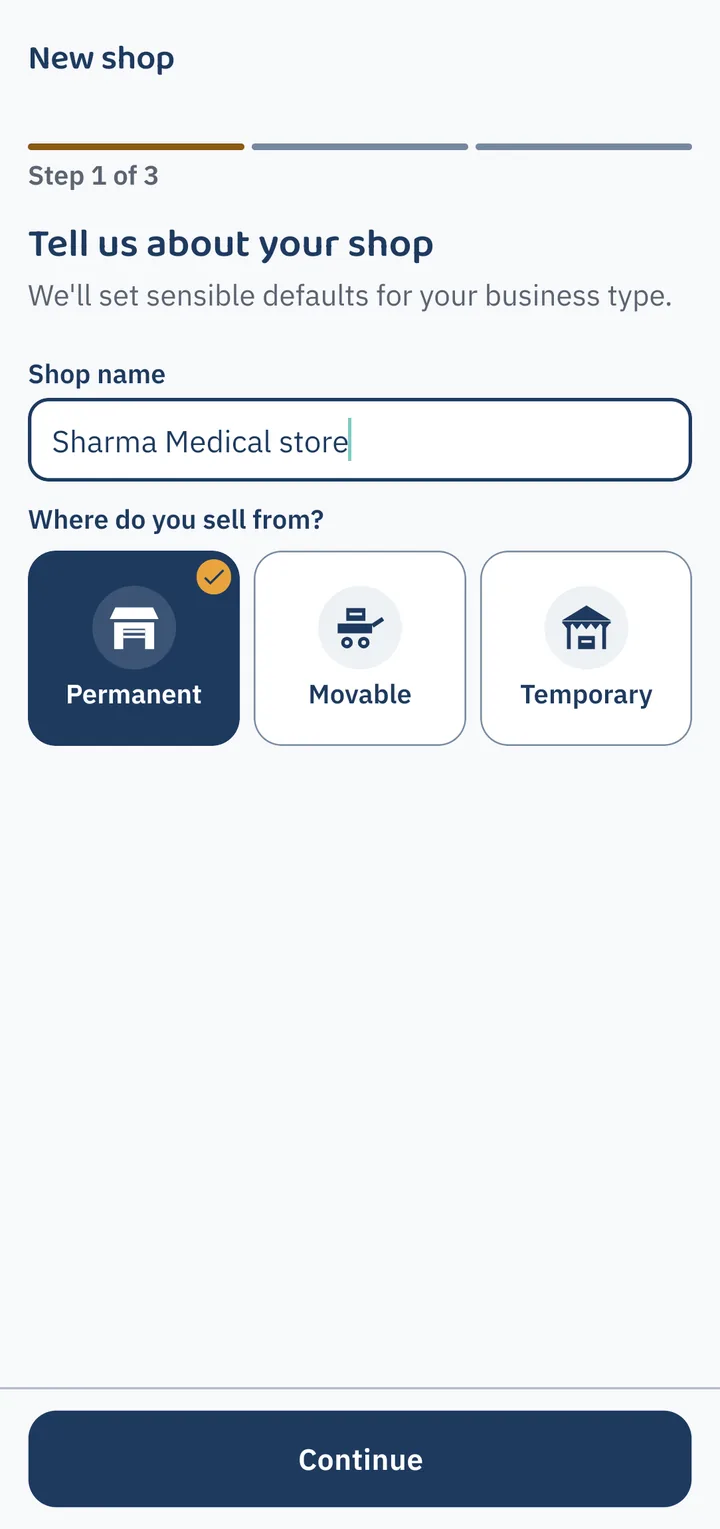
Sign in with your phone number via SMS code and name your shop. No paperwork, no credit card, and no password to forget. Pick your trade & starter inventory1 minute
Select your business type from 59 live trades. It sets your trade units (kg, litre, metre, pcs, job work), tax defaults, and loads 30+ starter products so you never start from a blank screen.
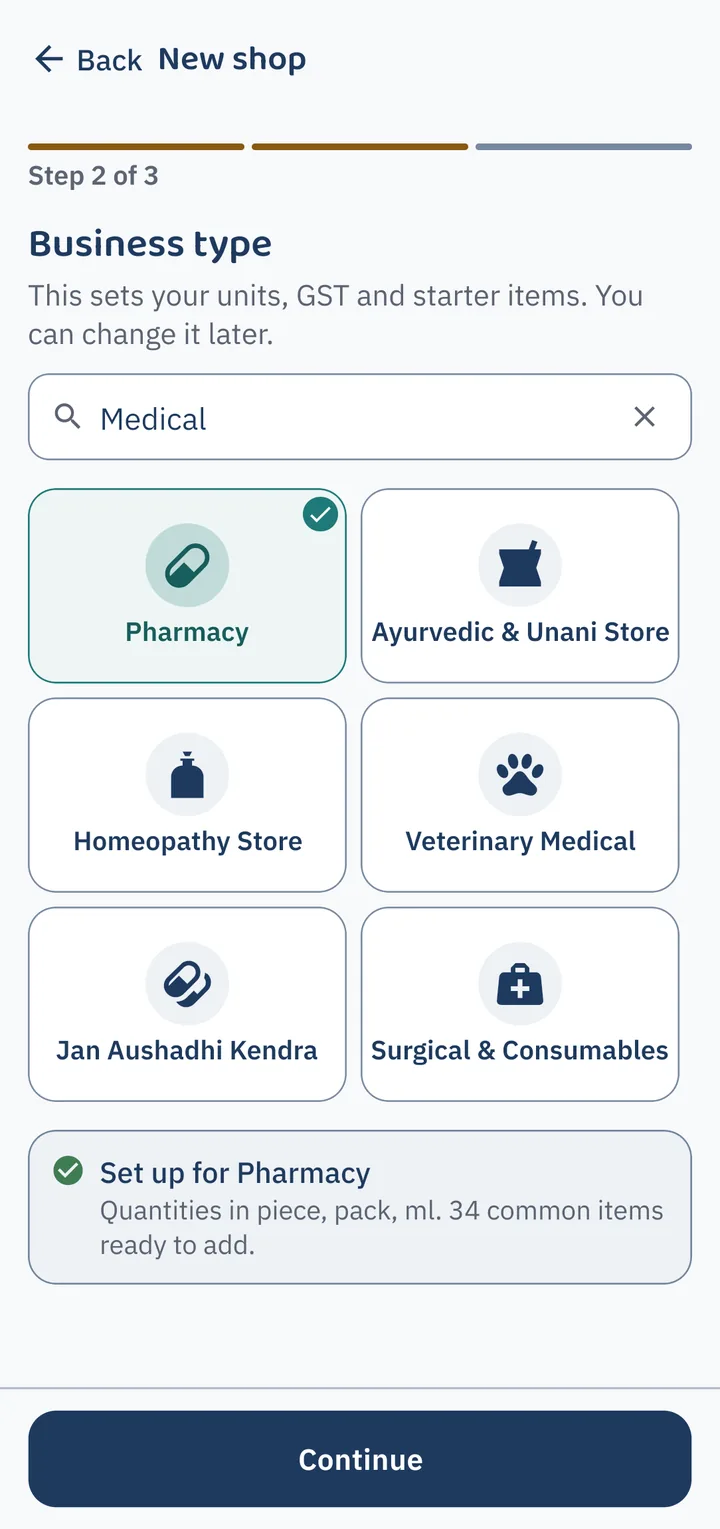
Pick your trade from 59 live shop types. It configures your units (kg, litre, metre, pcs, job work), tax rates, and pre-loads starter inventory items so you never type a thing. Add stock with phone camera scanning15 minutes
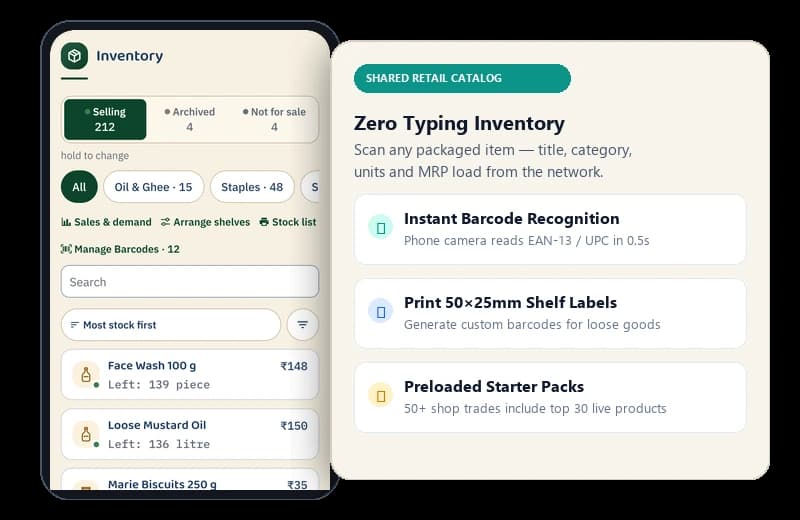
Scan barcodes on packaged goods with your phone camera — name, category, and photo load automatically from the shared catalog. For loose goods, print 50×25mm labels or tap frequent items directly.
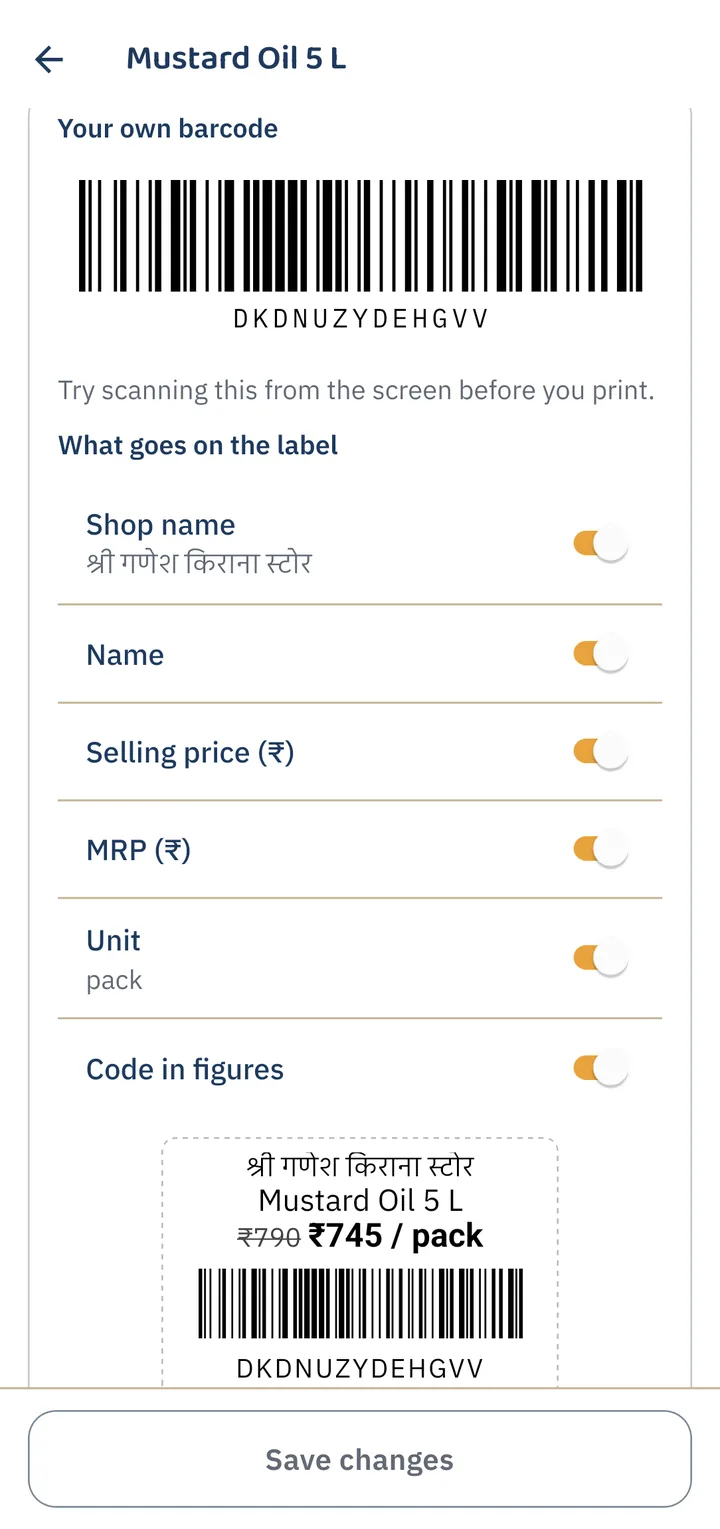
Your phone camera acts as an instant barcode scanner (saving ₹3,000–₹6,000 on external laser guns). Generate printable 50×25mm labels directly from your counter. Make a bill and hand it over3 seconds
Scan barcode in 0.5s, see struck-through MRP and customer savings banner, tap Cash, default counter UPI QR, or Udhaar in 1s, and send 1-click WhatsApp or thermal print in 1s. The bill writes to phone storage in 12ms — zero spinner delays even in a 5-customer counter rush.
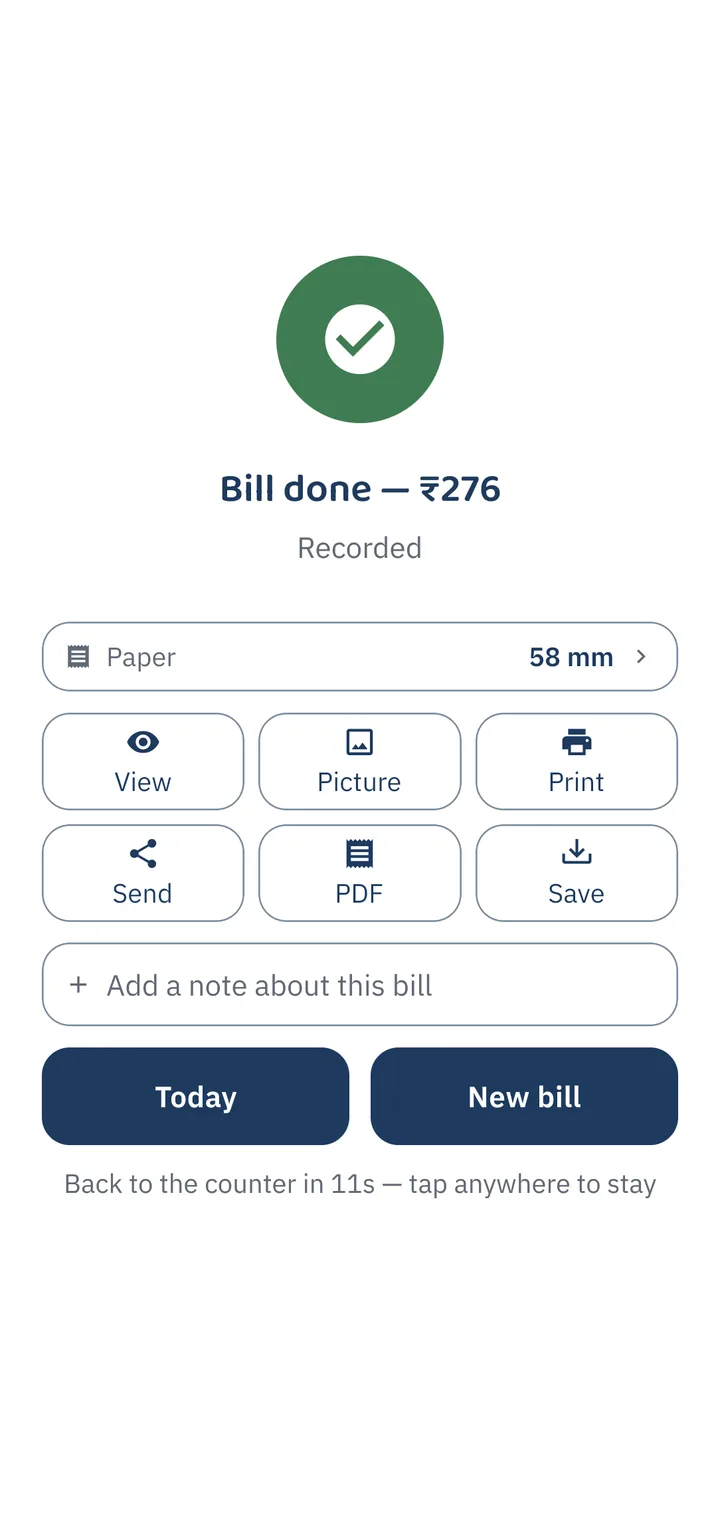
The moment a bill is saved. 0.5s barcode scan, 1s payment (Cash, imported UPI standee QR, or Khata), and 1s WhatsApp/print delivery. Recorded locally in 12ms with zero internet lag.
Why stock entry is the whole cost of starting
Typing a hundred item names into a phone is where most people give up, and it is the reason a shop tries an app twice and never a third time. It is also the one part of this that gets cheaper for every shop that has done it before you.
- Scan a barcode and the name, category and photo are already there.
- No barcode? Print your own shelf labels and scan those instead.
- Local names for things are in the catalogue, because other shops put them there.
- You do not have to finish in one sitting. Add the rest as you sell it.
This is the part people get stuck on, and the one worth writing to us about. It is also the only one.
What the first week looks like
Day one
You bill. Someone standing at the counter is served in about the time the paper book took, and that is the honest bar for day one — the gain is not speed, it is that it was recorded.
Day two or three
The catalogue starts doing the work. The items you sell most are already in, so adding a bill is tapping a chip rather than searching for anything.
The first slow evening
You open the day's total and it is right, because every sale went through the same place. That is usually the moment the paper book stops being opened.
The first time the tower drops
Nothing happens. This is the one people remember, and it is the reason the app is built the way it is.
Most receipts never touch paper
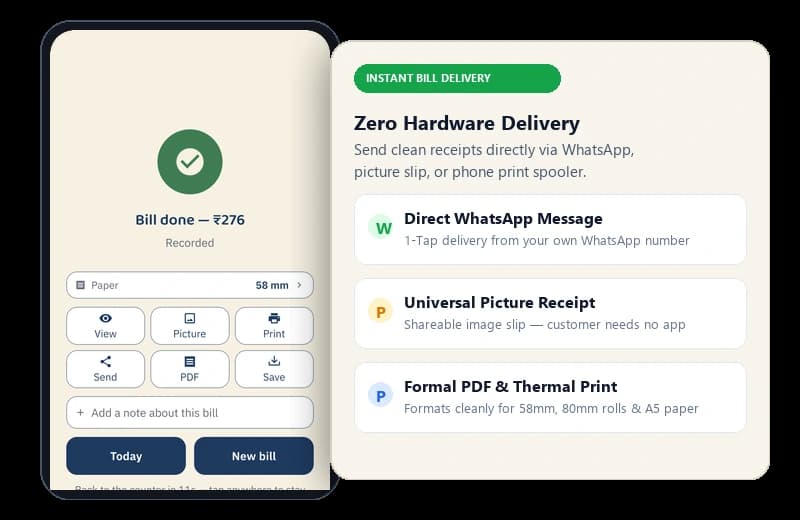
WhatsApp, a picture, or a PDF — that is how a bill reaches almost every customer, and it needs no hardware at all. When somebody does want paper, it goes through your phone's own print screen. Which printers that reaches is a real question with a real limit in it, and it has its own page.
The receipt carries your shop name, your GSTIN if you have one, and a rule in your trade's colour. It does not carry ours.
What happens to a bill once you have made it
Three states, and no fourth one called deleted.
- 1Openबन रहा हैItems going on. Nothing has left the shelf and nothing is owed yet; close the app and it is still here.
- 2Savedसेव हो गयाPaid, or put on the khata. Stock comes down, the total counts, and the record exists whether or not a tower does.
- 3Settledहिसाब पूराIf it went on udhaar, a payment against it closes the balance. The entries stay; a balance is worked out from them, never overwritten.
No box says deleted. A bill made in error is reversed by a correction that is itself a record — which is how the book can still answer a question about a Tuesday in March.
Looking for the mechanism instead?
What the queue does, what happens at sync when the count disagrees, and the four things that still need a signal — that is a separate page, and it goes into more detail than this one should.
We do the evening with you
Stock entry and getting the receipt set up the way the shop wants it are the two places people get stuck. Neither is worth getting stuck on — the guides cover both, and the address at the bottom of every page reaches a person.